



Acasis 15-in-1 4K 60Hz USB C Desktop Docking Station for Laptop & PC
👨💻 Back to School Tech Sale
15% Off Sitewide
|
Code
BTS15
US customers order in the next [totalHours] hours %M minutes expect to get it between and
🌍 Ship to 74 Countries, click shipping policy for more details
Free Shipping Over $29 • 2 Year Warranty • 30-Day Free Trial
PAY WITH EASE


Overview

For More Uses
 ACASIS 15-in-1 USB-C Desktop Docking Station
Your All-in-One Connectivity Solution - The Ultimate Docking Station
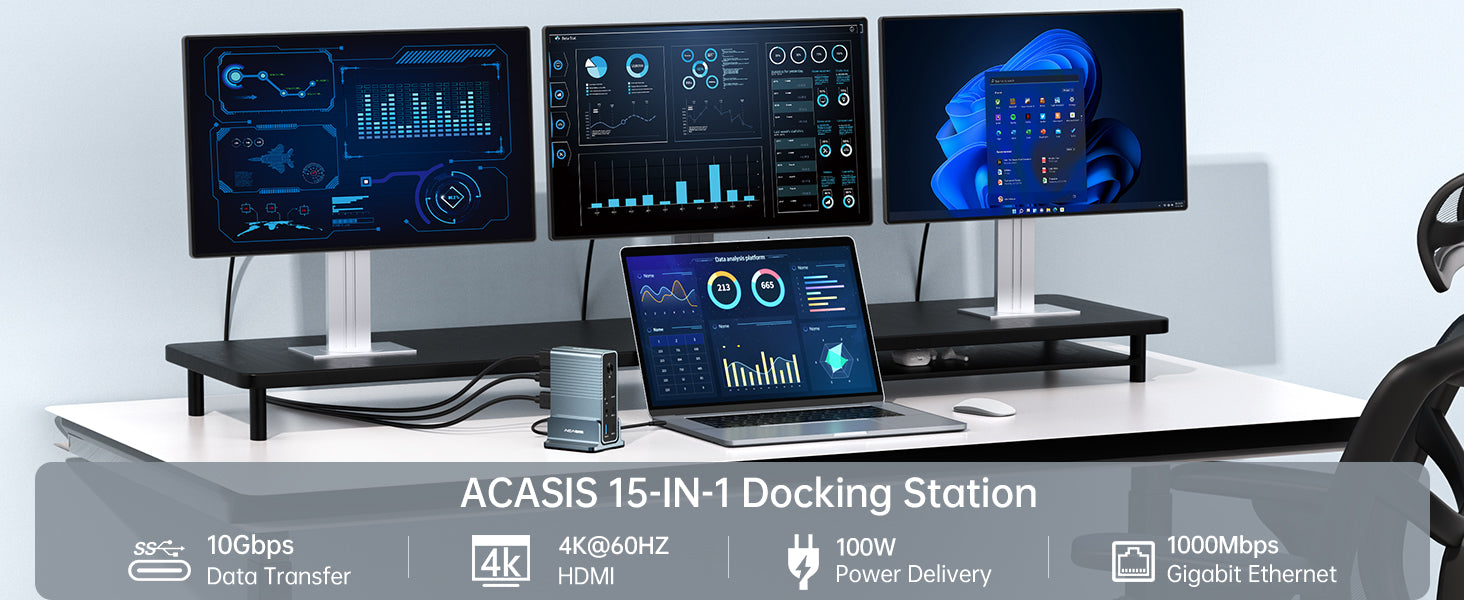
 Supports up to three external displays, with different display configurations depending on the operating system. On Windows: Single display up to 4K@60Hz; dual displays up to 4K@30Hz + 2K@60Hz (extended); triple displays up to 4K@30Hz + 2×1080P@60Hz (extended).
 On macOS: Single display up to 4K@60Hz; dual displays up to 2×4K@60Hz (mirrored); triple displays up to 3×4K@30Hz (mirrored). Desktop docking station dual monitor is Ideal for Enable dual-screen or multi-screen productivity for scenarios such as document processing, code writing, and video editing.
 When using it, make sure you are using a fully functional USB-C port that supports data transfer, power transfer and display.
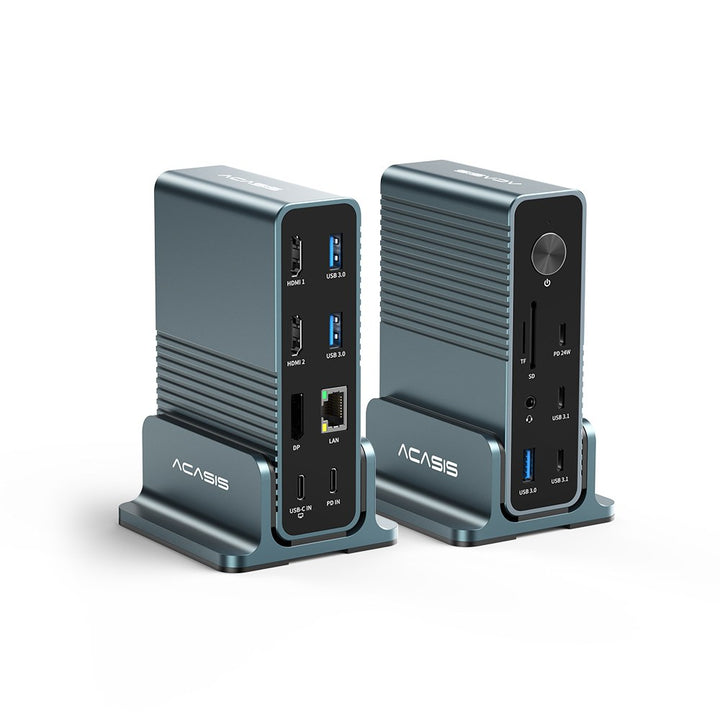
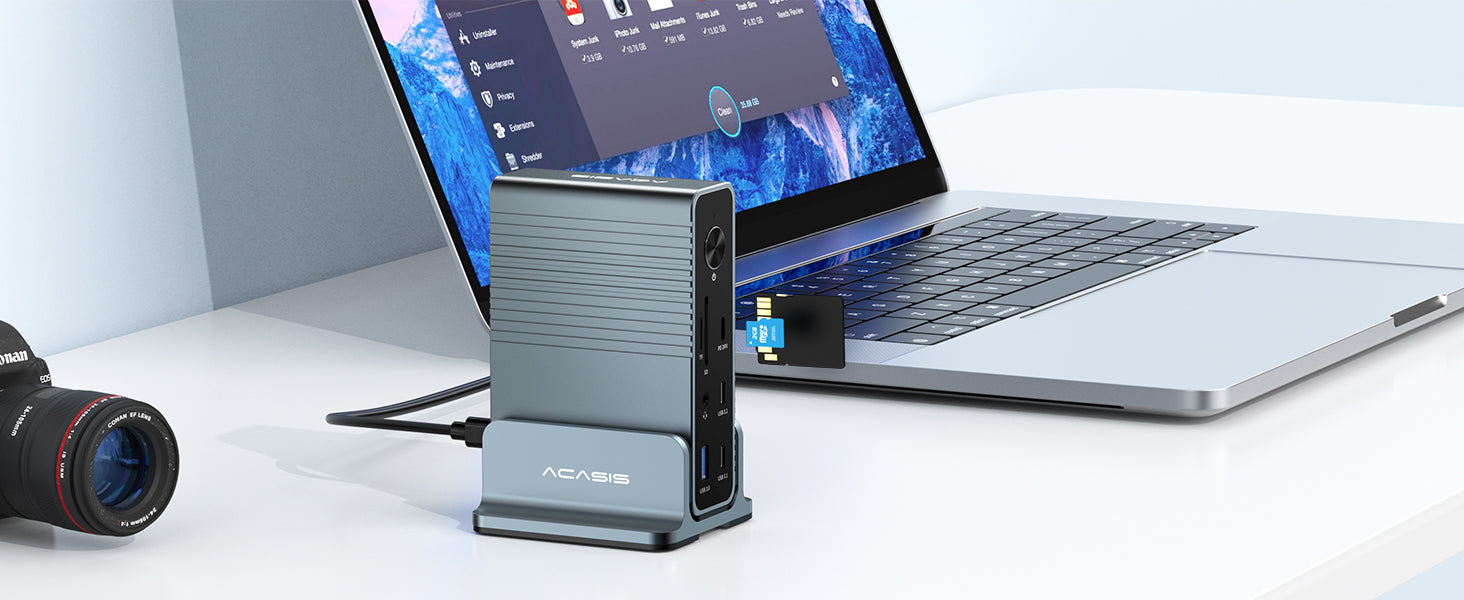
 This USB-C Docking Station equipped 2*HDMI (4K) + DP + 1*TF/SD 3.0 (UHS-I) + 3*USB-A (5Gbps)+2* USB-C (10Gbps)+ 1*USB-C (24W PD Charging )+ 3.5mm Audio & MIC + 1000MBps Ethernet + PD 100W, making it the perfect laptop docking station.
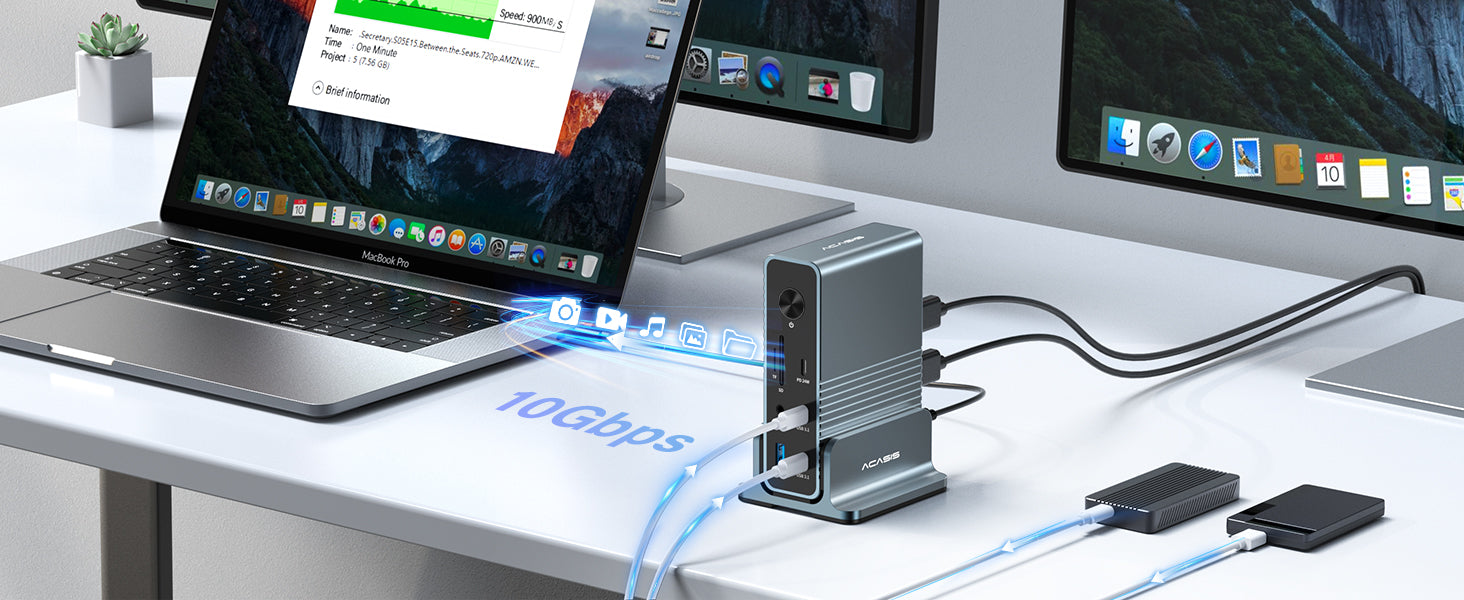
Acasis 15-in-1 docking station will be fast and efficient with lightning fast transfer rates of up to 10Gbps for lightning fast transfer of large files!
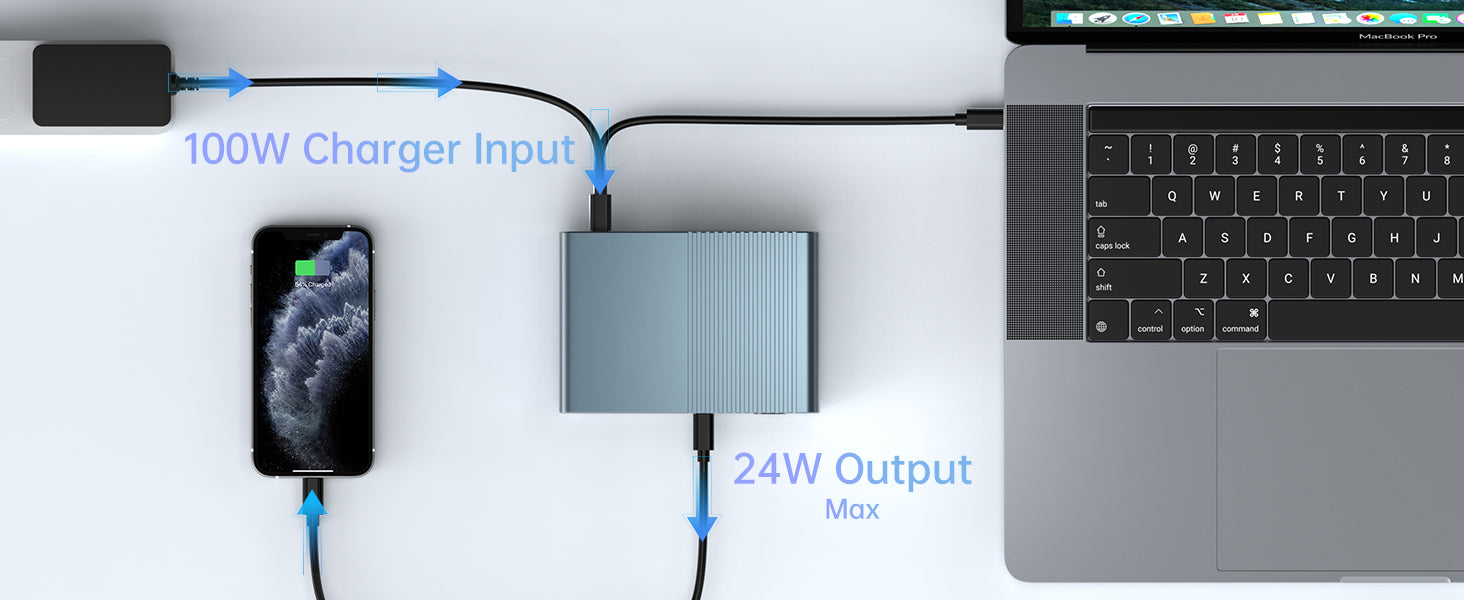
Support up to 100WPD fast charging, charging and playing without power.
Tip: For fast charging, a 65W / 85W / 100W power adapter is recommended.
Self-ejecting SD/TF dual card slot design, for you to solve the troubles of the notebook without a card slot. 3.0 read speed, files read at will, maximum support for 1T memory card. (Acasis Labs measured speed of 80-90MB/S)
3.5 mm audio interface, enjoy stereo lossless sound quality. Work time listen to music to enhance office fun.
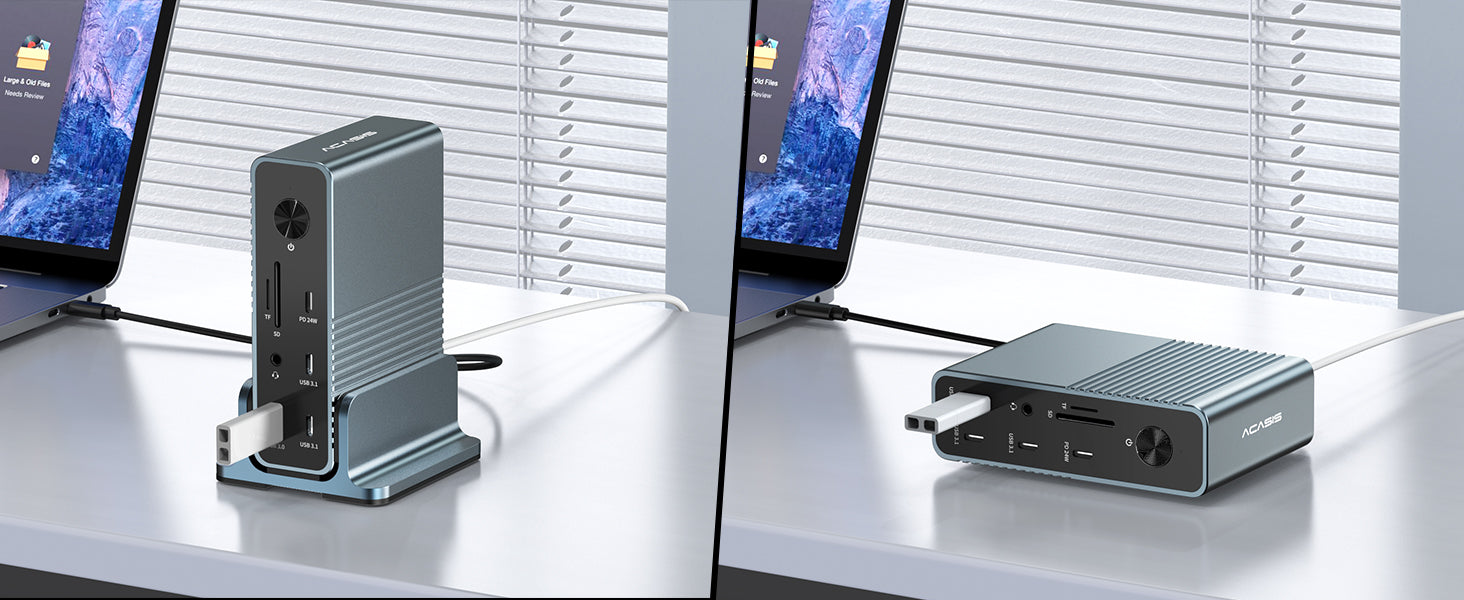
Whether it is for work or play, it will be your right-hand man. Smart design allows it to stand and lie down, and it will become your desktop decoration when not in use, adding a splash of color to your desktop.

Products Dimensions 121× 85 × 36 mm / 4.75 × 3.32 × 1.42 in
Weight: 527 g / 18.59 oz

For More Uses
Acasis 15-in-1 4K 60Hz USB C Desktop Docking Station for Laptop & PC
Space Gray
Become an Affiliate